PRODUCT / UX-UI DESIGNER — WARSAW
For the last two years I worked at efficiently – a platform for managing construction and interior design projects with many modules, several editions, and a lot of logic connecting them. I designed flows for new features, built large component libraries, and reviewed every case with developers and QA, alongside vibe-coding and extensive AI prototyping. I started in marketing, where I did the website, print, presentations and communication design. The rest of my experience comes from 8+ years in startups and small teams, where speed and flexibility shape everything: fintech apps, SaaS products, illustration and complete brand packages. Much of that work is still in use, at companies of every size.
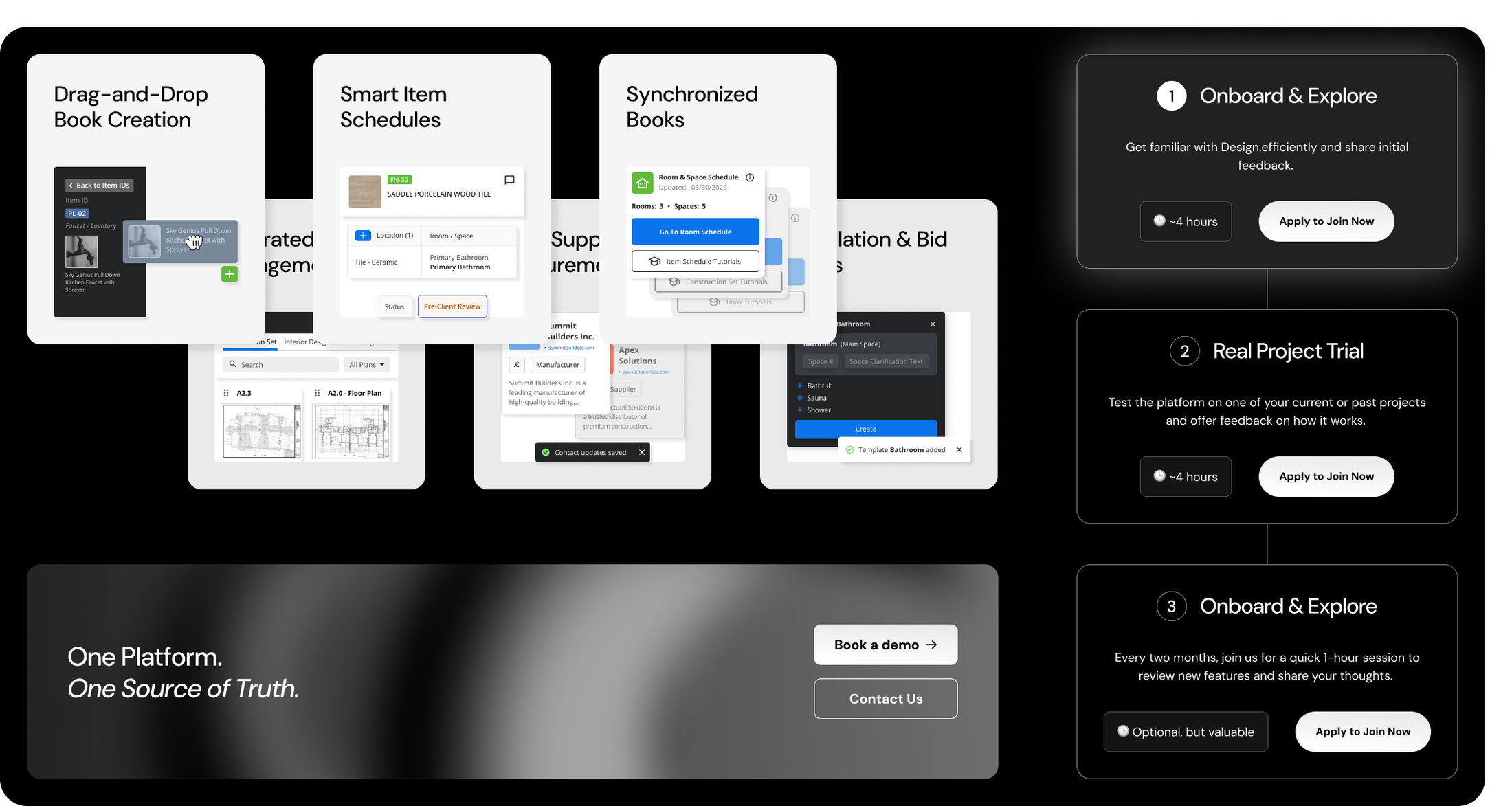
Teams use efficiently to run real construction and interior design projects: schedules, plans, specifications, bidding, stakeholders and documents. Every module leans on shared components, so a change in one place shows up everywhere else. A big part of my job was keeping track of that. I extended existing logic and wired connections between new modules.
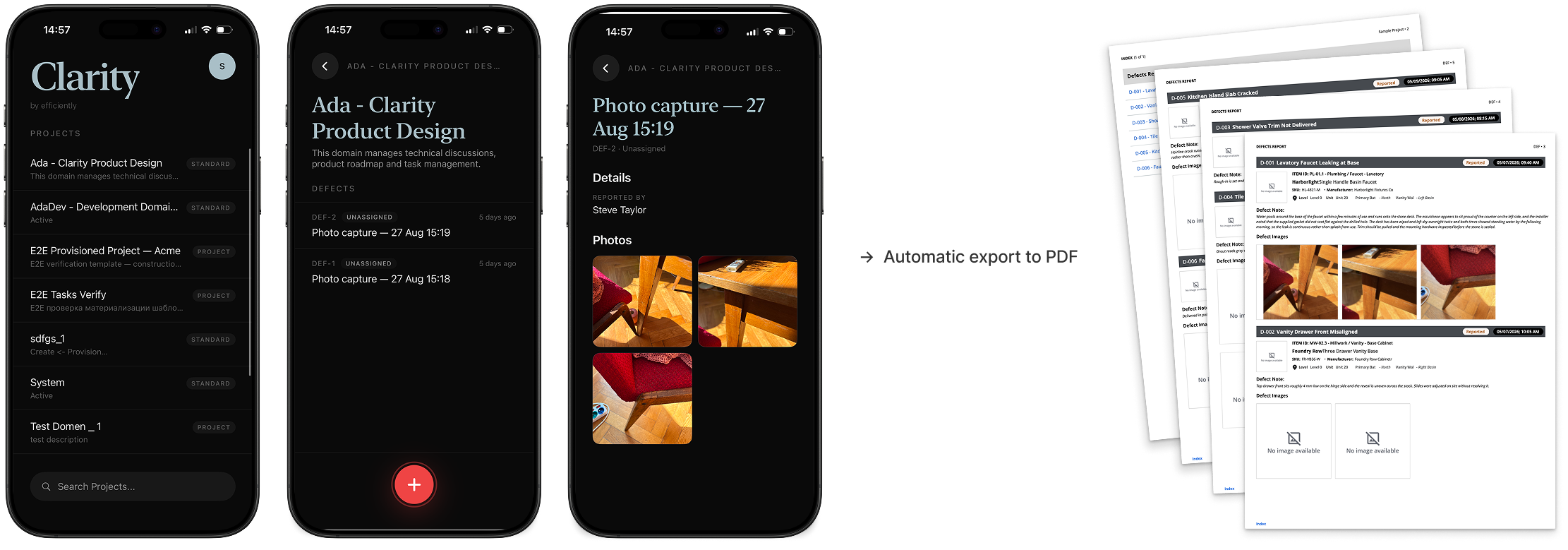
I owned one module from start to finish: Clarity, our mobile app, lets crews scan defects right on the construction site, and the scans turn into PDF reports automatically. I designed the logic of that whole pipeline and prototyped every screen it touched: on the platform, on mobile, and in the PDF itself. The dev team vibe-coded the features straight from my prototypes, and I checked each build against the intended logic, stayed in sync with the devs, reported progress and wrote the specs. Full UX engineering, from first flow to shipped feature.
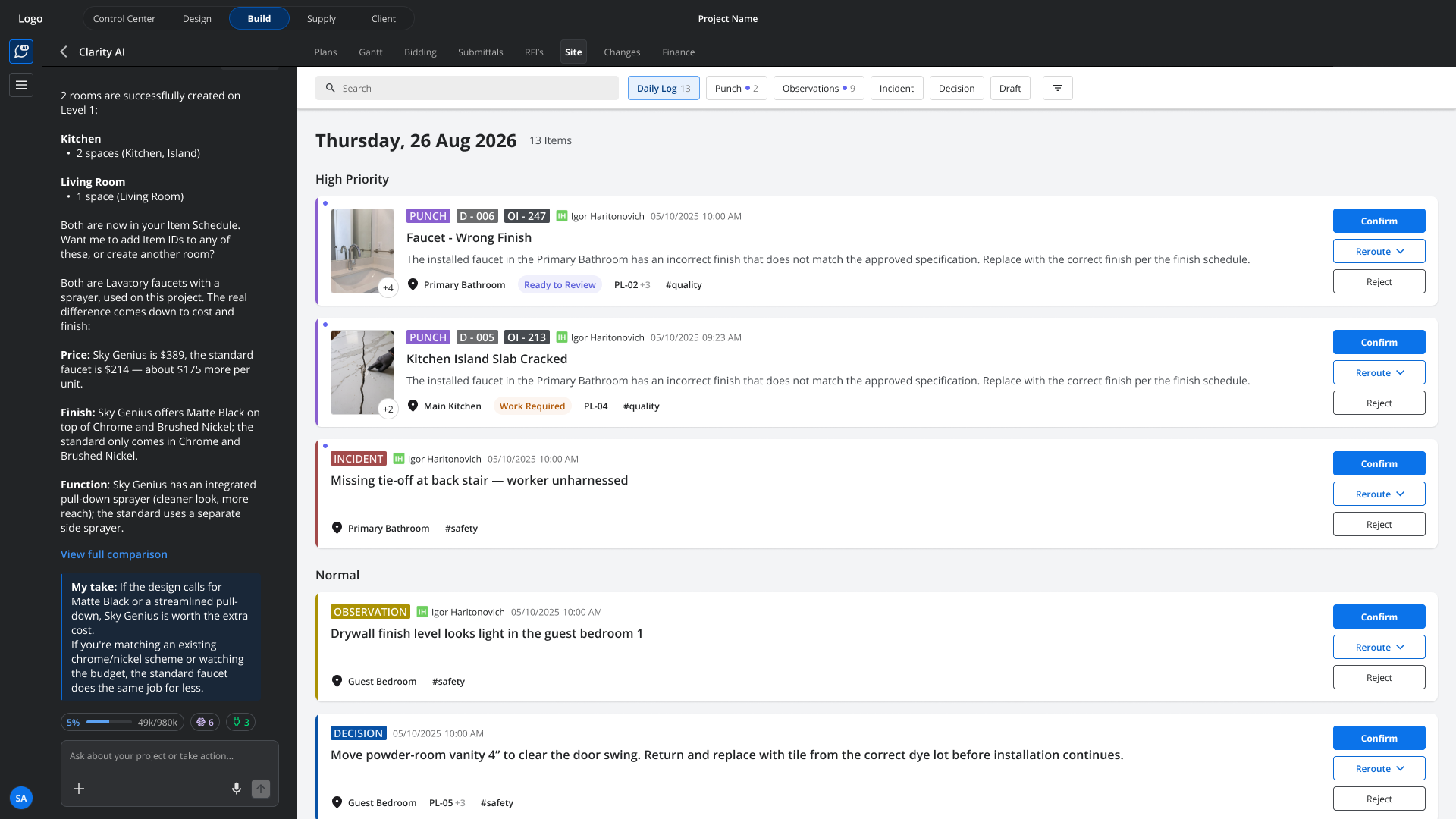
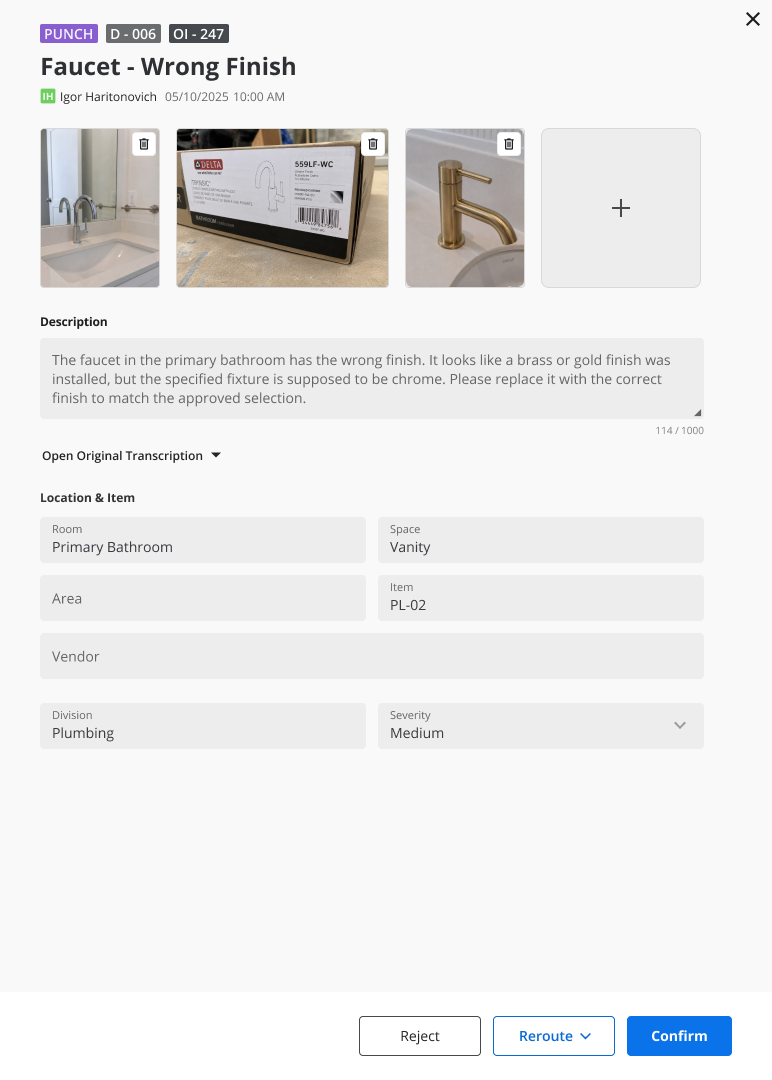
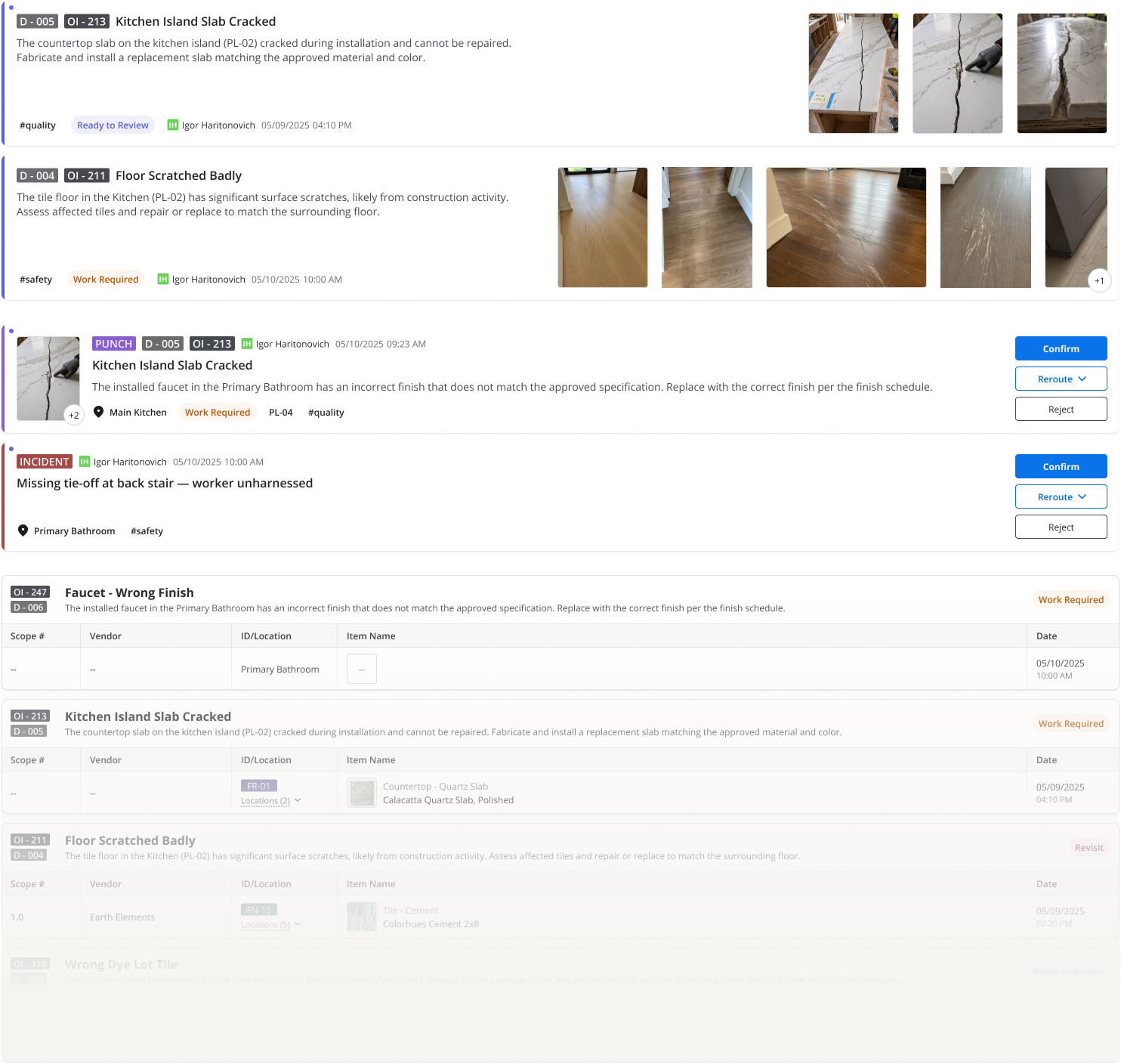
The best example is Site. This module collects punch-list defects, observations and safety issues into one shared record between vendors, GCs and owners’ reps. I designed every part of it: the web register, the detail view, and the component library. For each feature I built the Figma flow first, then wrote the UX logic and specs: who sees what, what each role can do, and how a record moves from one status to the next. Developers built from these screens and specs, and I checked every build before release. The module shipped with two parts I was fully responsible for: the interactive register with its detail page and permission logic, and the PDF export for each record.
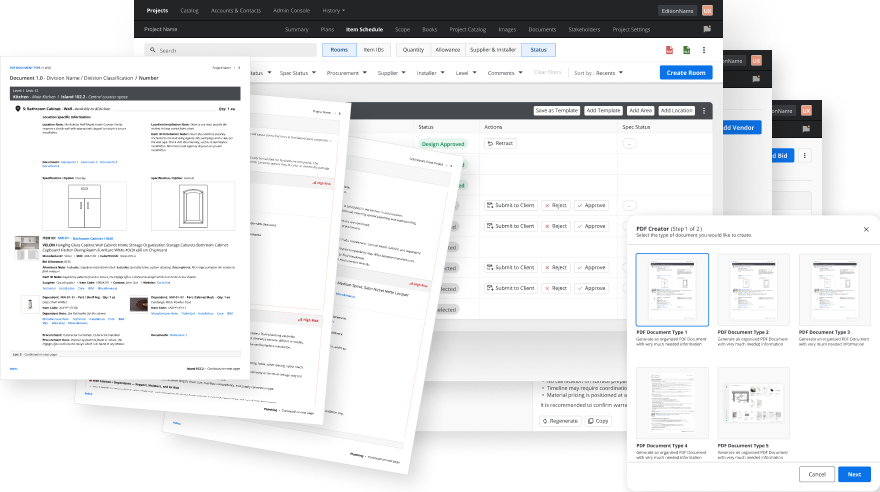
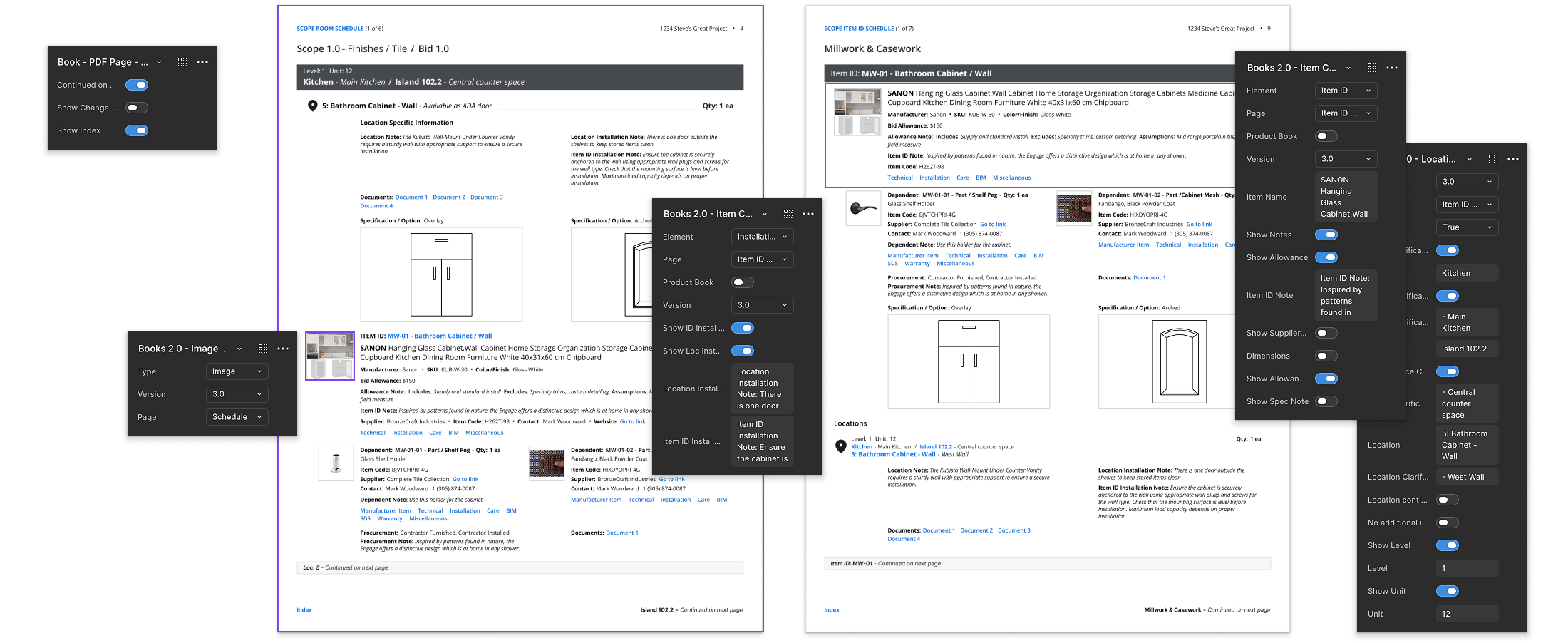
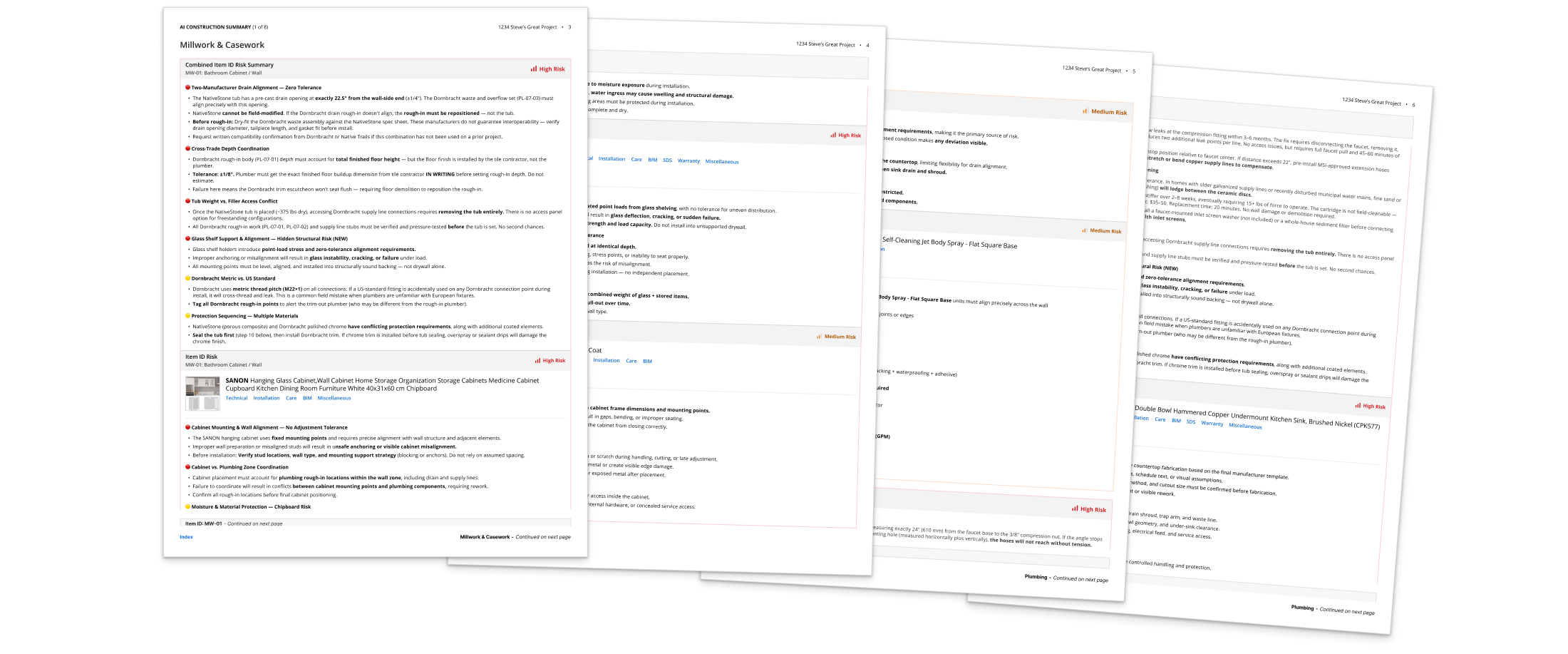
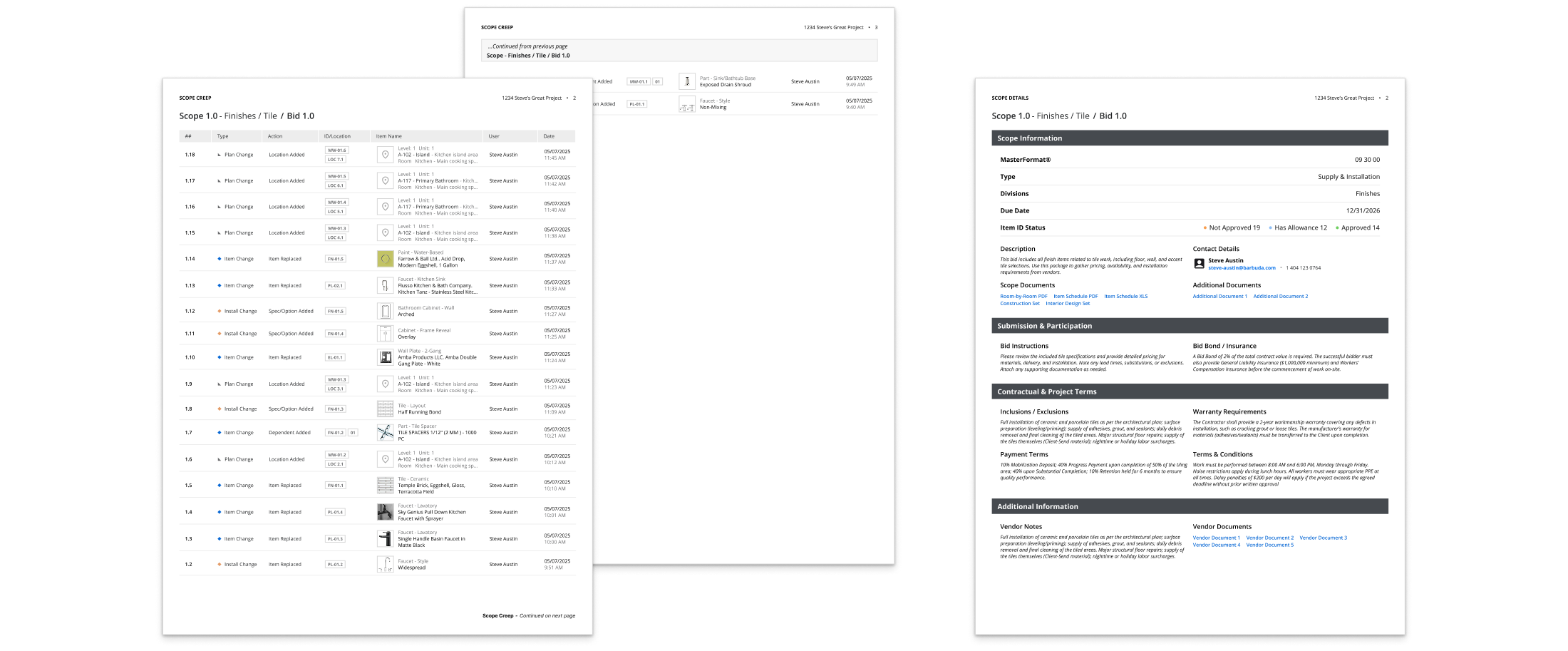
The platform generates documents: books, schedules, risk summaries and spreadsheets that leave the product and get printed, signed, used on site, or come back filled in by vendors and contractors. Which documents a user can create depends on their edition and permissions – a matrix of dependencies I designed alongside the documents themselves.
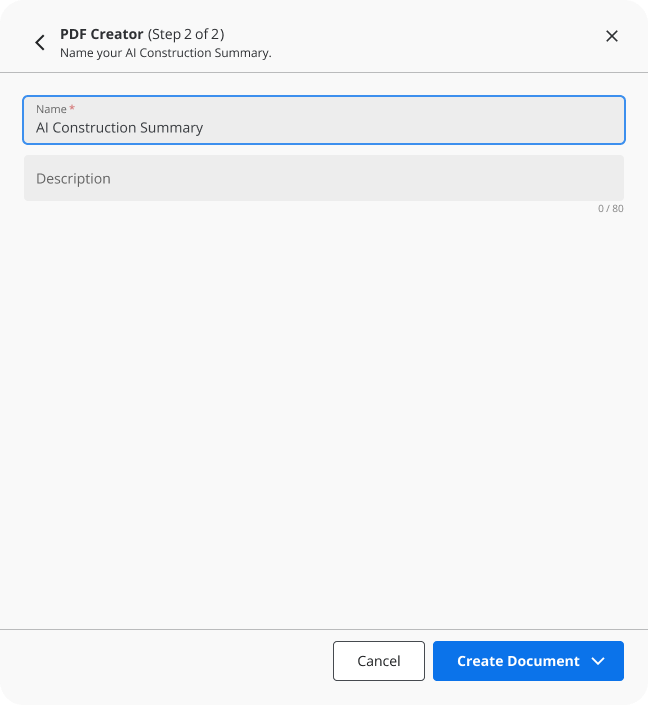
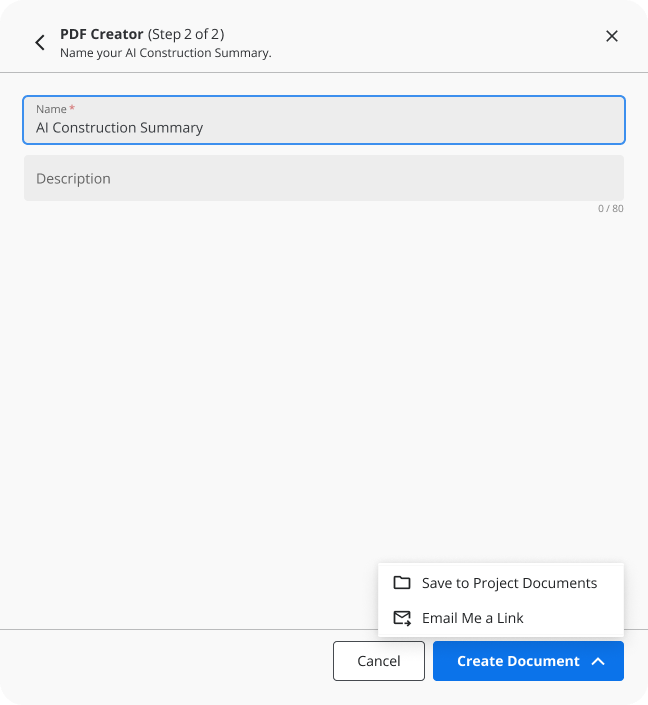
One of my recent projects was a risk-summary PDF designed end to end: the creation wizard and its settings, a three-level hierarchy on the page, and the rules for which editions get it. I also worked on a set of Excel export templates over several versions:
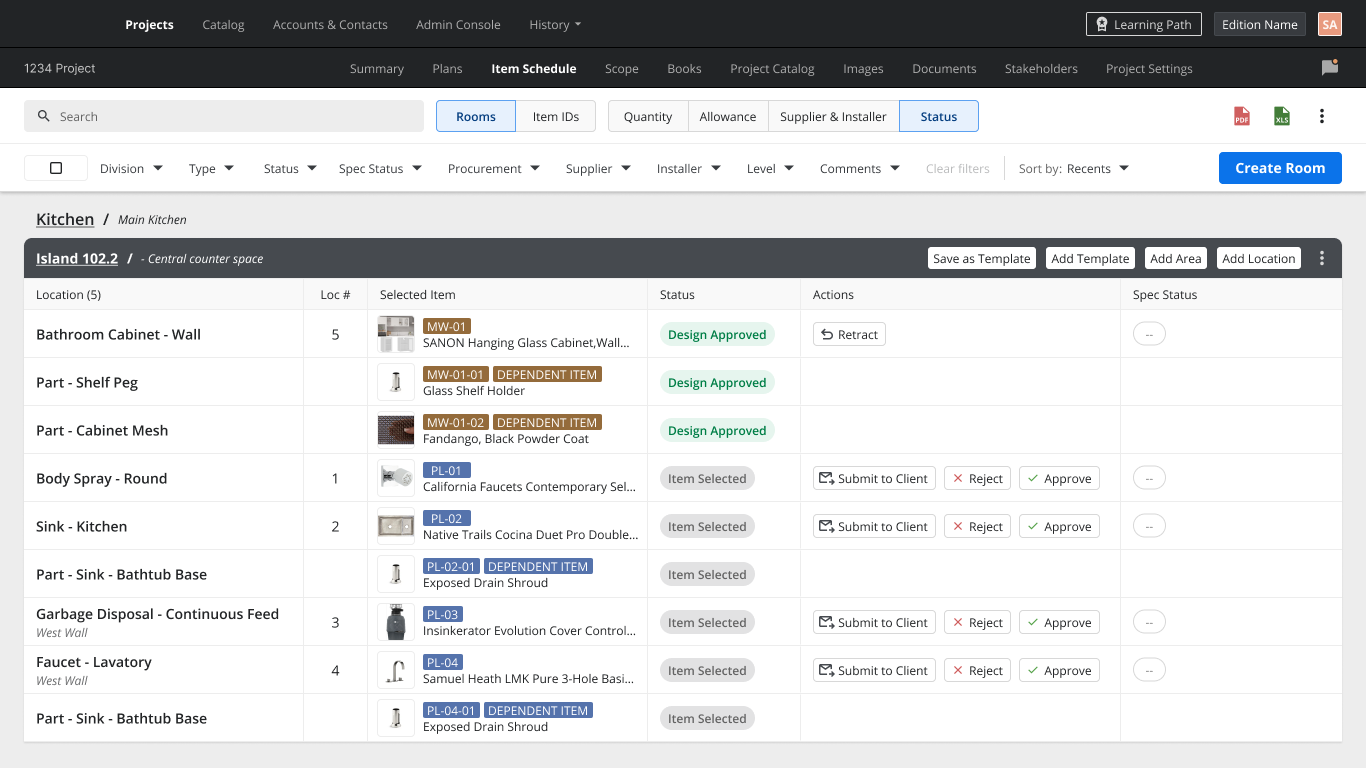
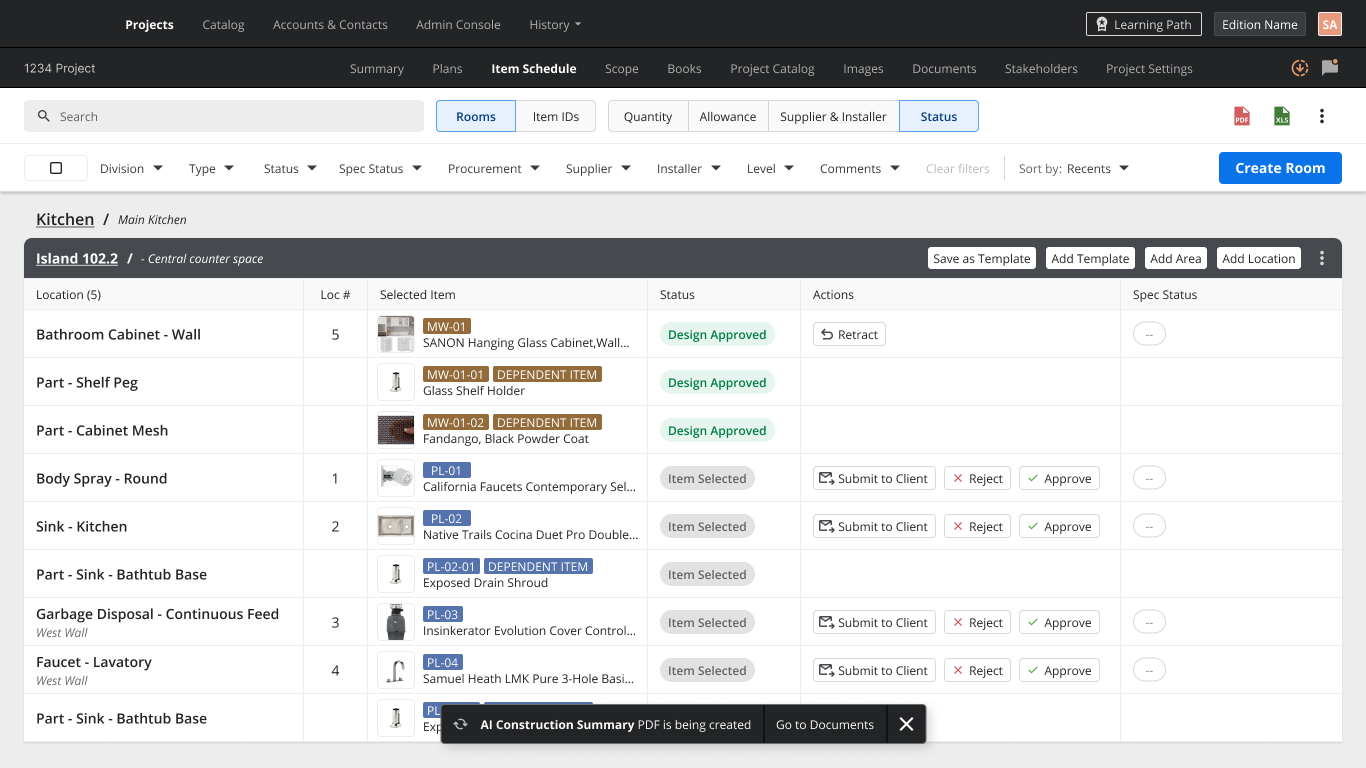
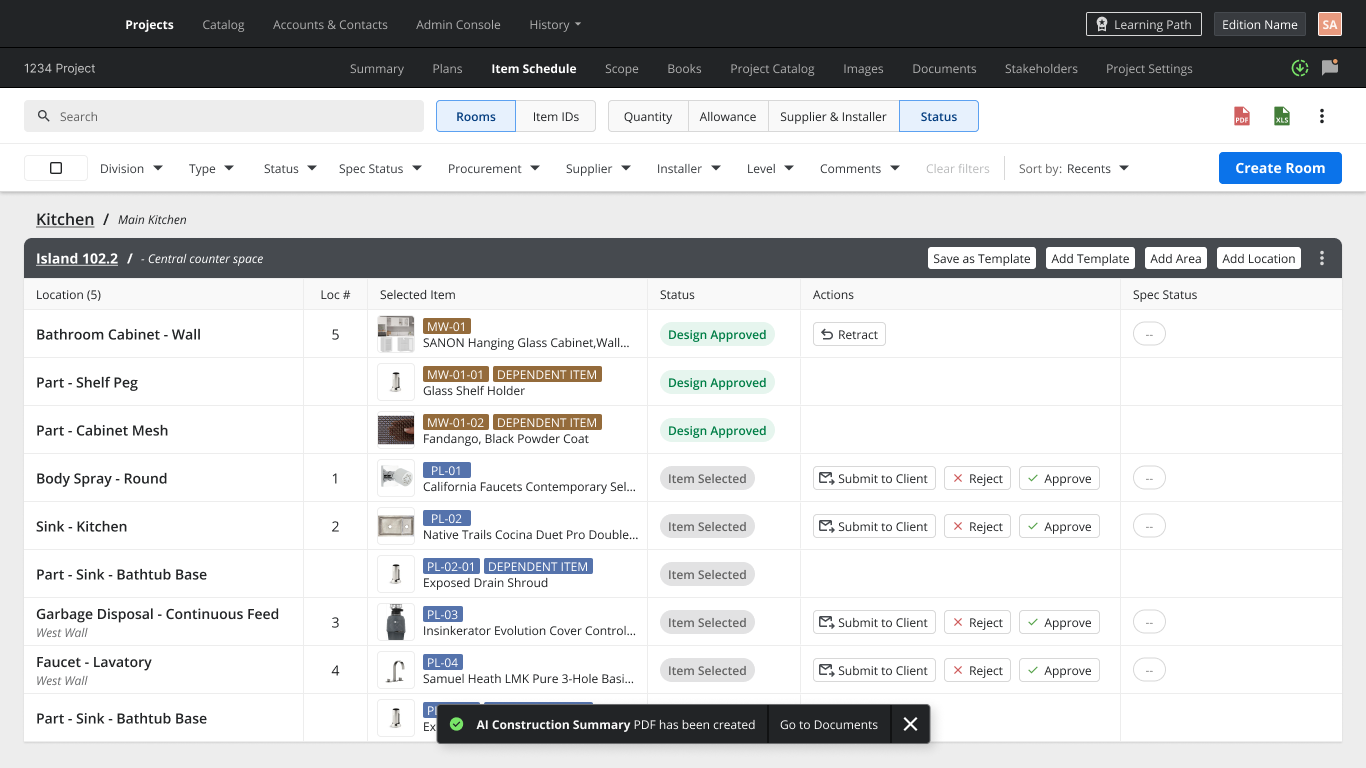
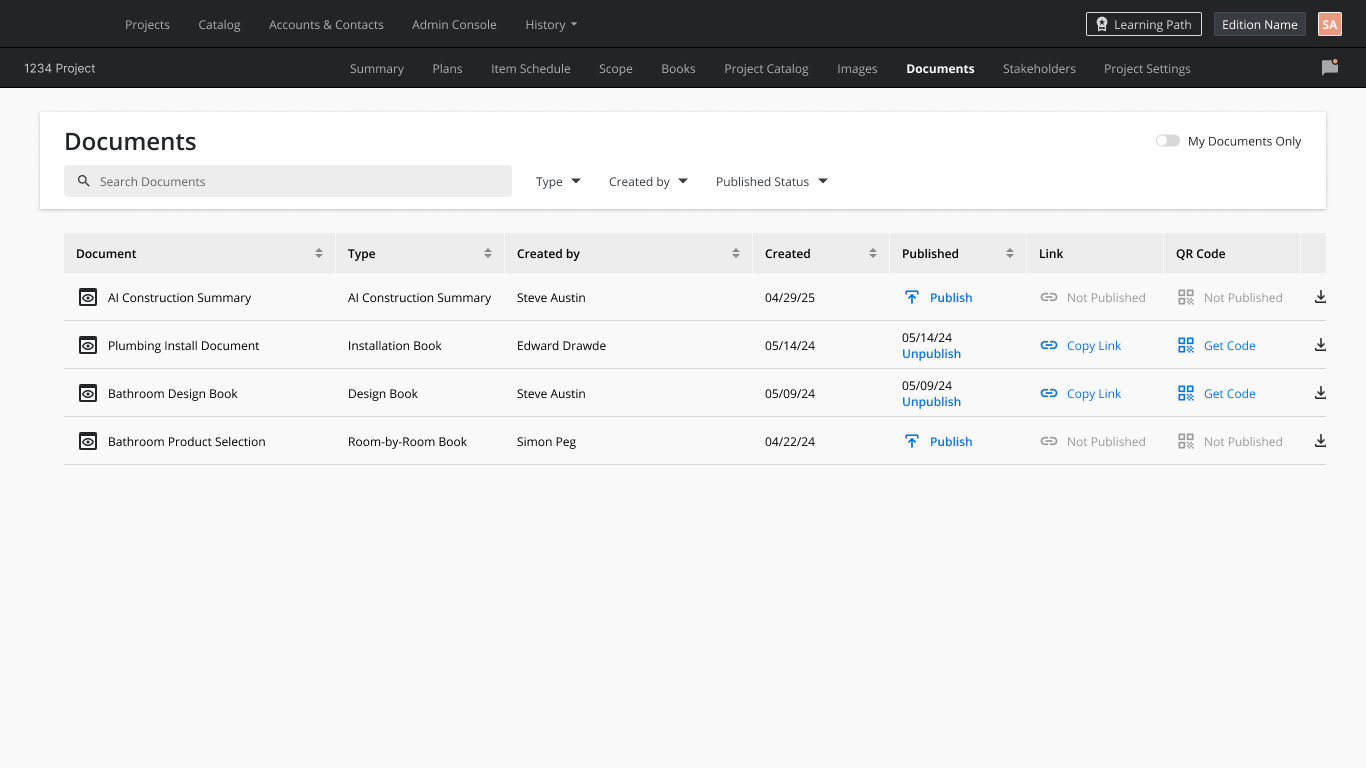
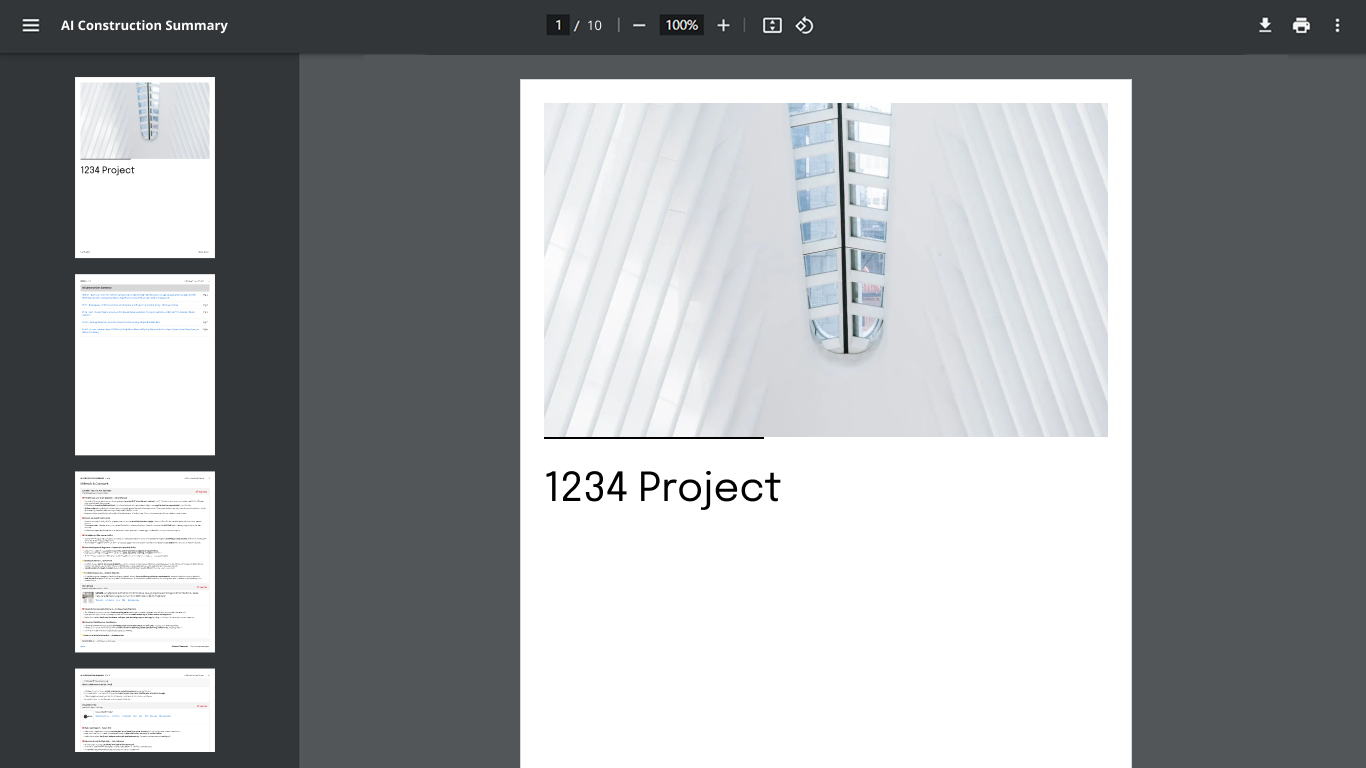
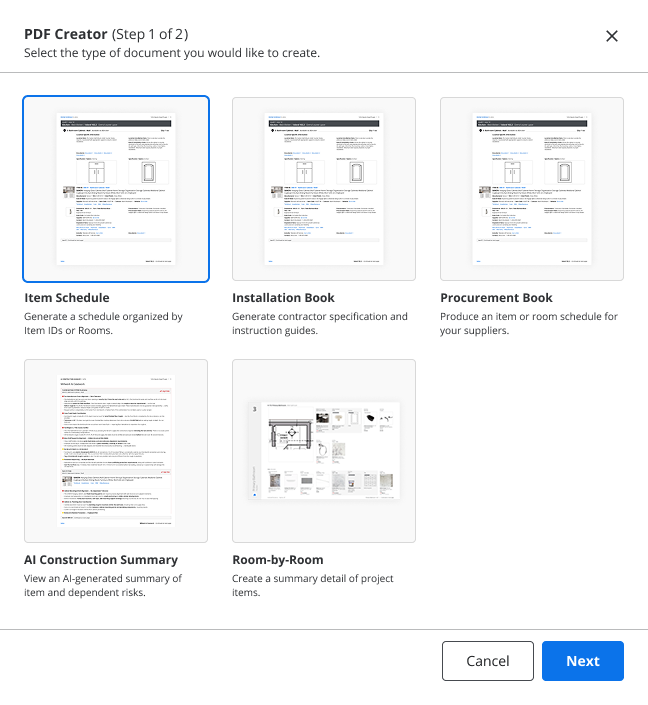
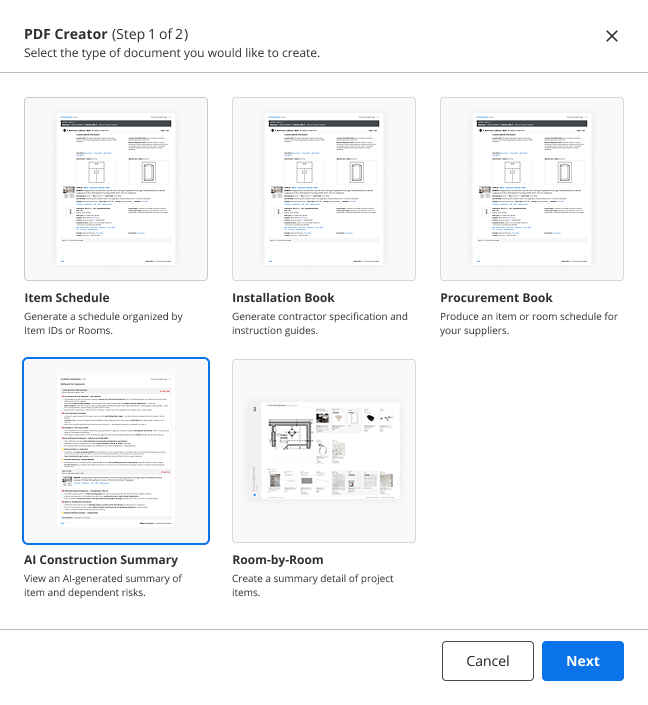
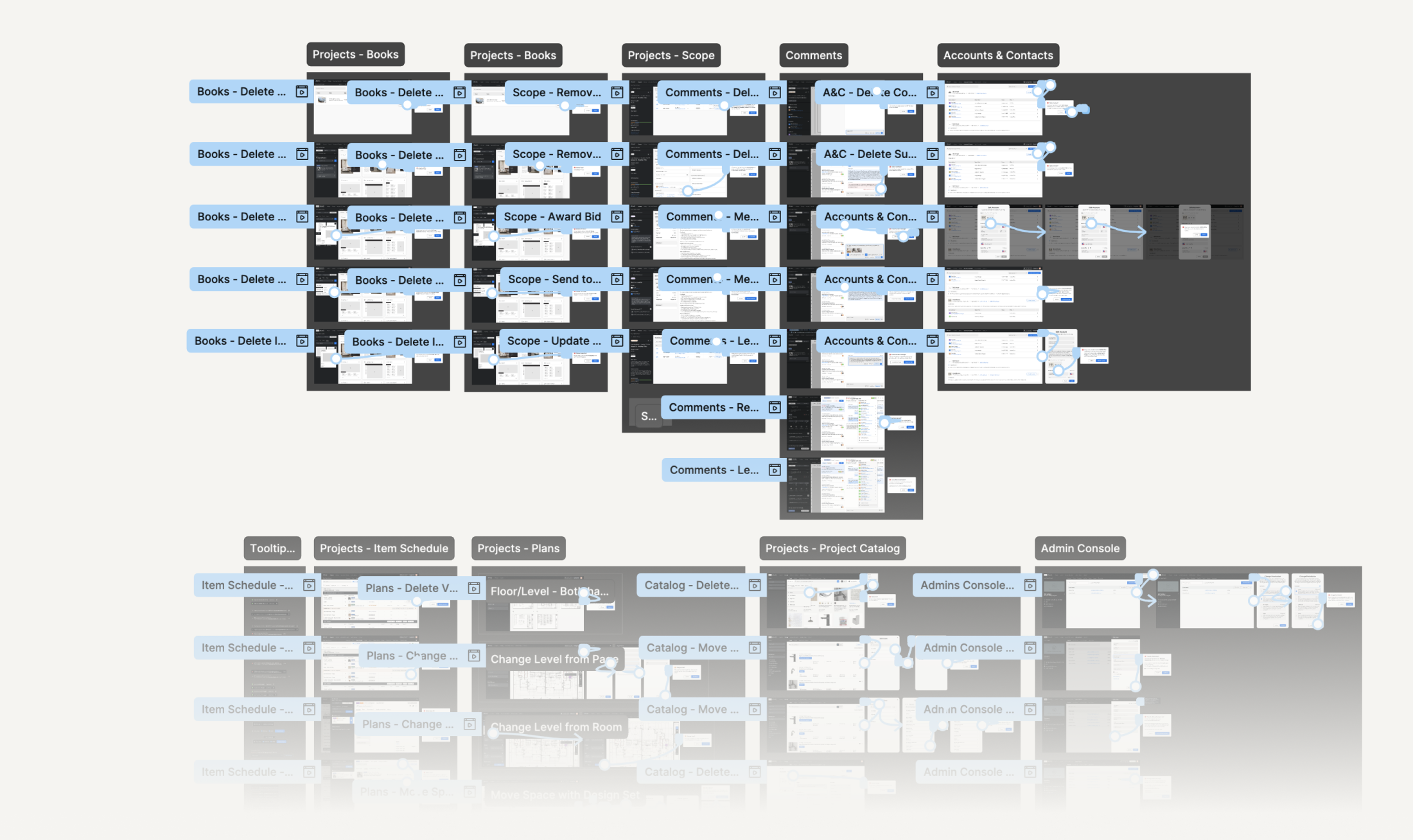
A good example of the platform’s scale is one small update to the confirmation dialogs: add a header component to existing modals. In practice it meant auditing dialogs across ten product areas. Most of my tasks worked like this: follow one decision through the whole system and update the whole dependency graph.

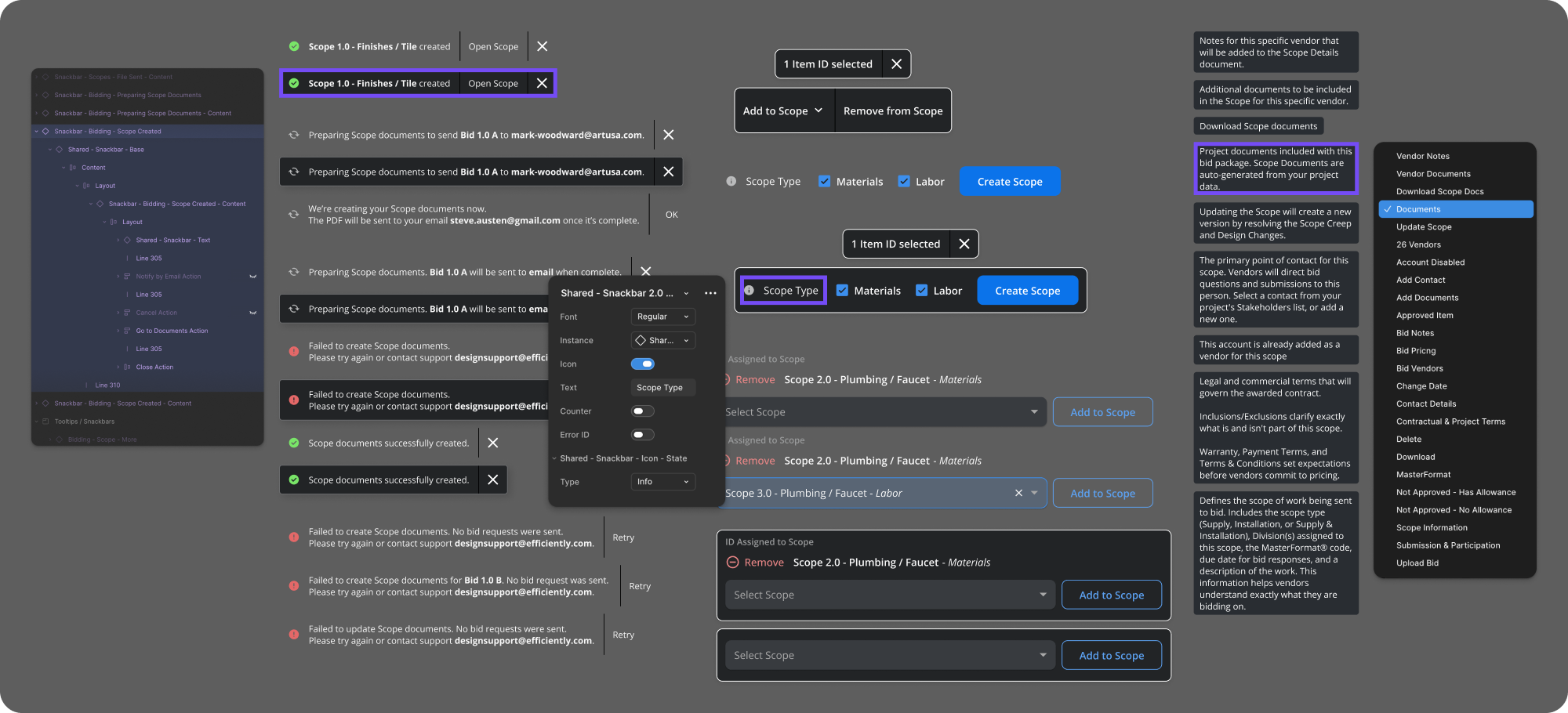
Designers on the team owned whole modules and the “Stories” related to them. We wrote and updated Jira tickets ourselves, tracked their status through development and reviewed the result. By the time QA got to it, there was usually little left to fix. We didn’t use flowchart-style UX diagrams, because with this much complexity they became too simplified to be useful – all the knowledge lived in the component system.
Screens shown with demo data.
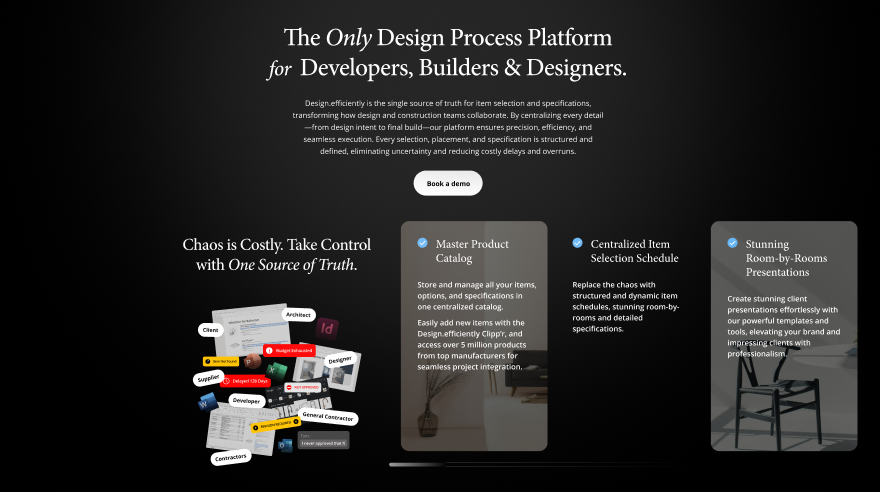
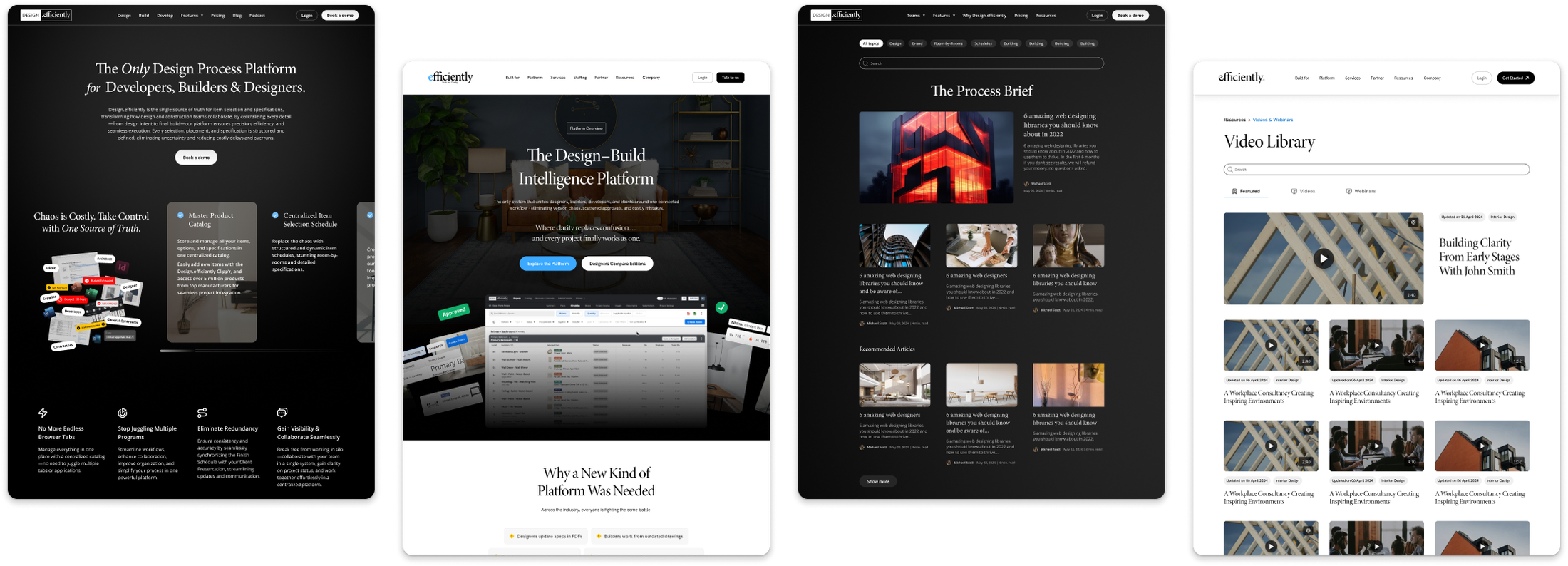
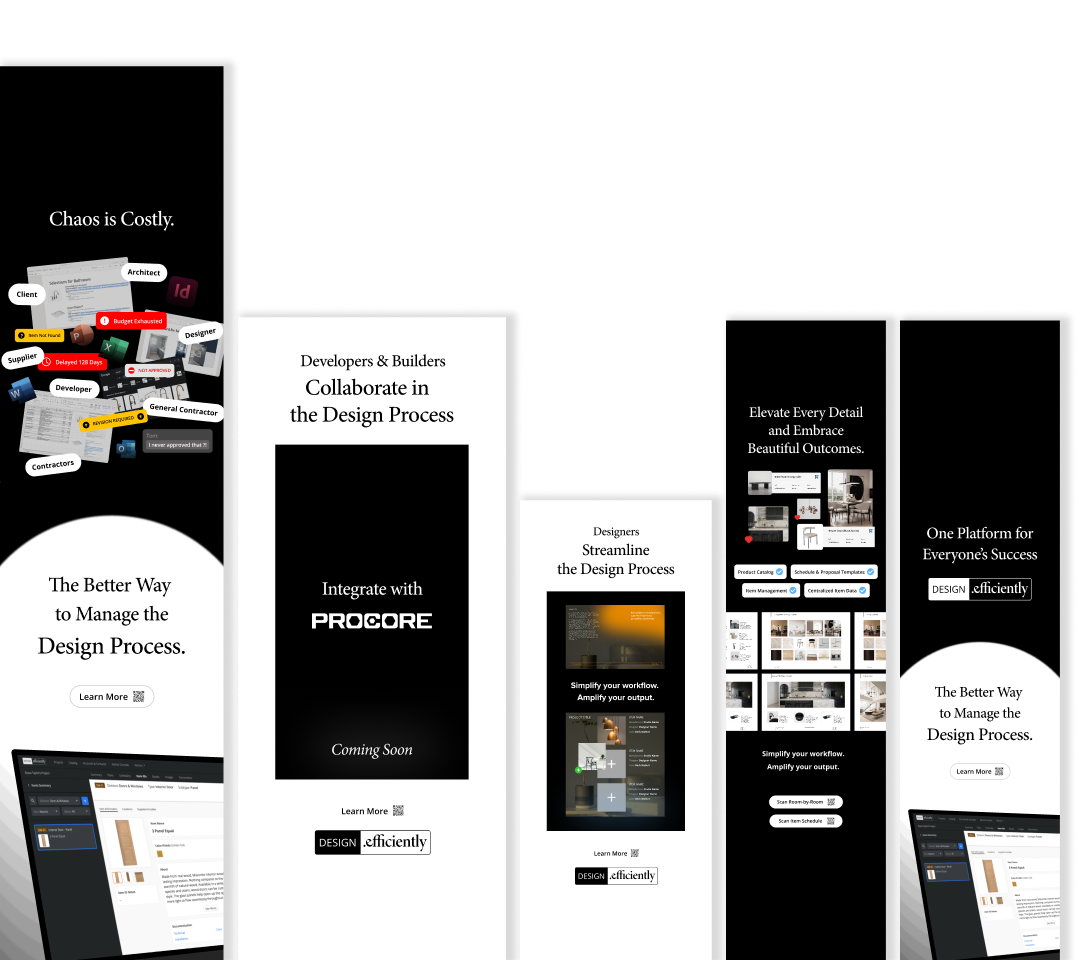
Before joining the UX team, I was responsible for efficiently’s marketing design: the website across two generations, print and collateral, pitch decks, communication design, and physical booth designs for big construction industry shows.
I ran the website through a couple of full redesigns and a few content updates, first in 2025 and then in 2026. Both times I built it as a system in Figma, with information logic, UI breakdowns and reusable components, not a stack of screens.
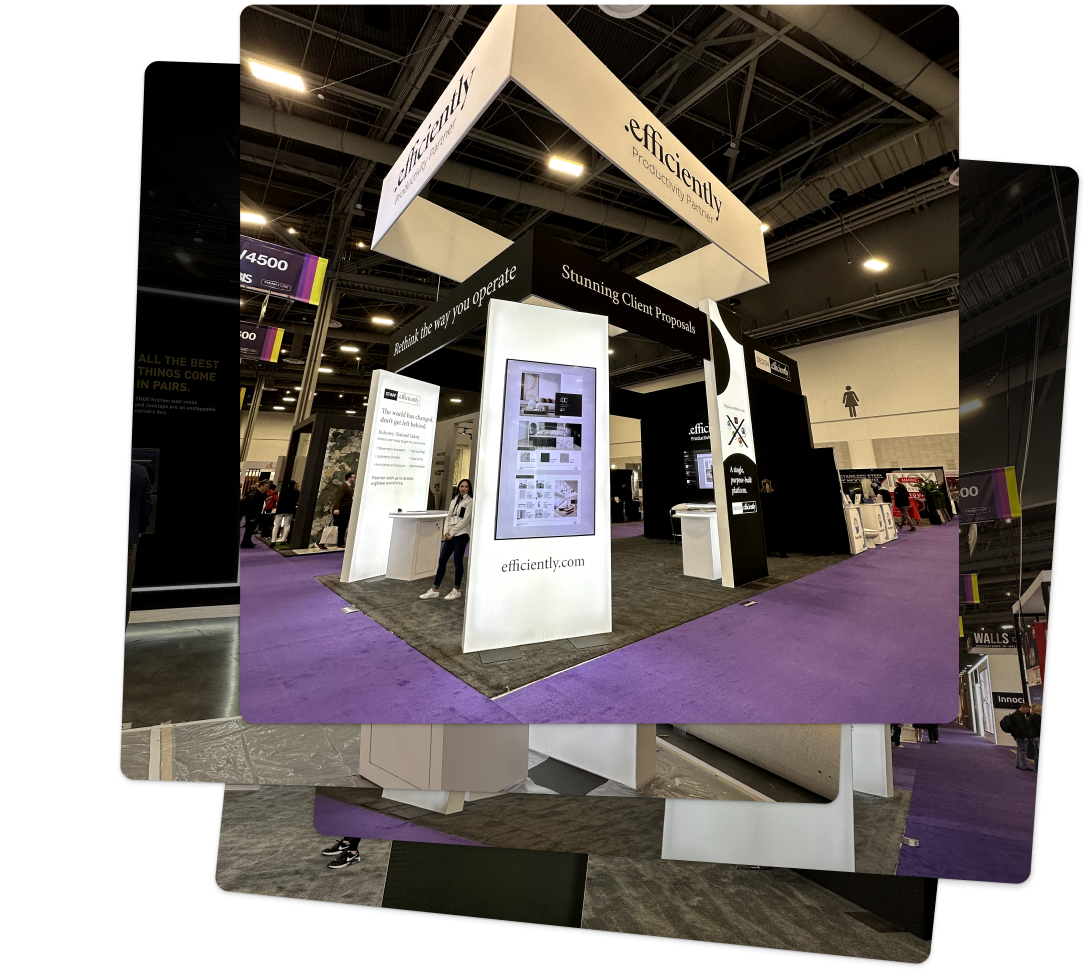
I designed exhibition booths for large construction events (including GATHER, IBS), from the first spatial concept to print-ready files. I also made the brand book and handled marketing campaign design in Figma, Canva and Adobe.
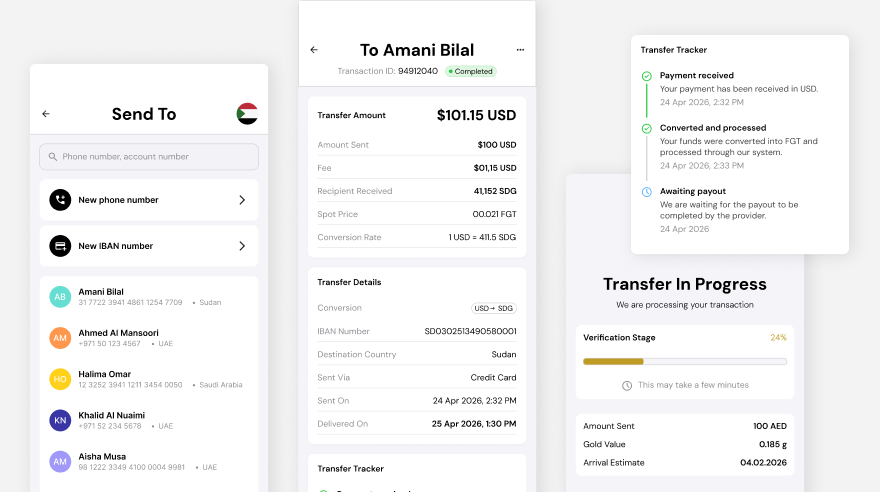
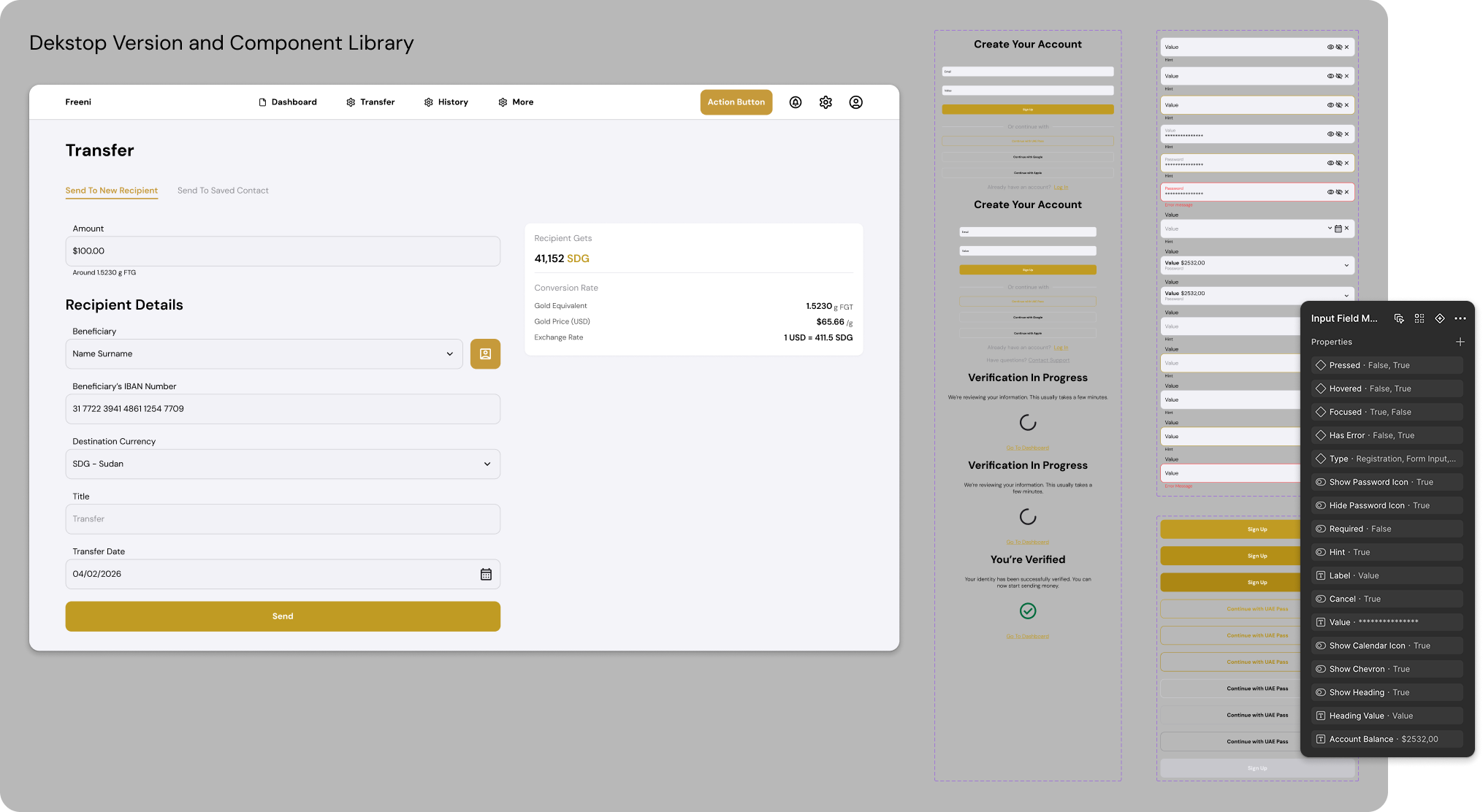
Freeni lets people in the Middle East send money backed by physical gold. As the only designer, I built the entire project from scratch: the app logic, every flow, the visual style, and a component library ready for developers. The MVP is done, and the company is now talking to banks in the UAE ahead of the public launch. In a money app, trust is everything: my main task was to make a new kind of balance, backed by gold, feel as clear as a regular wallet.
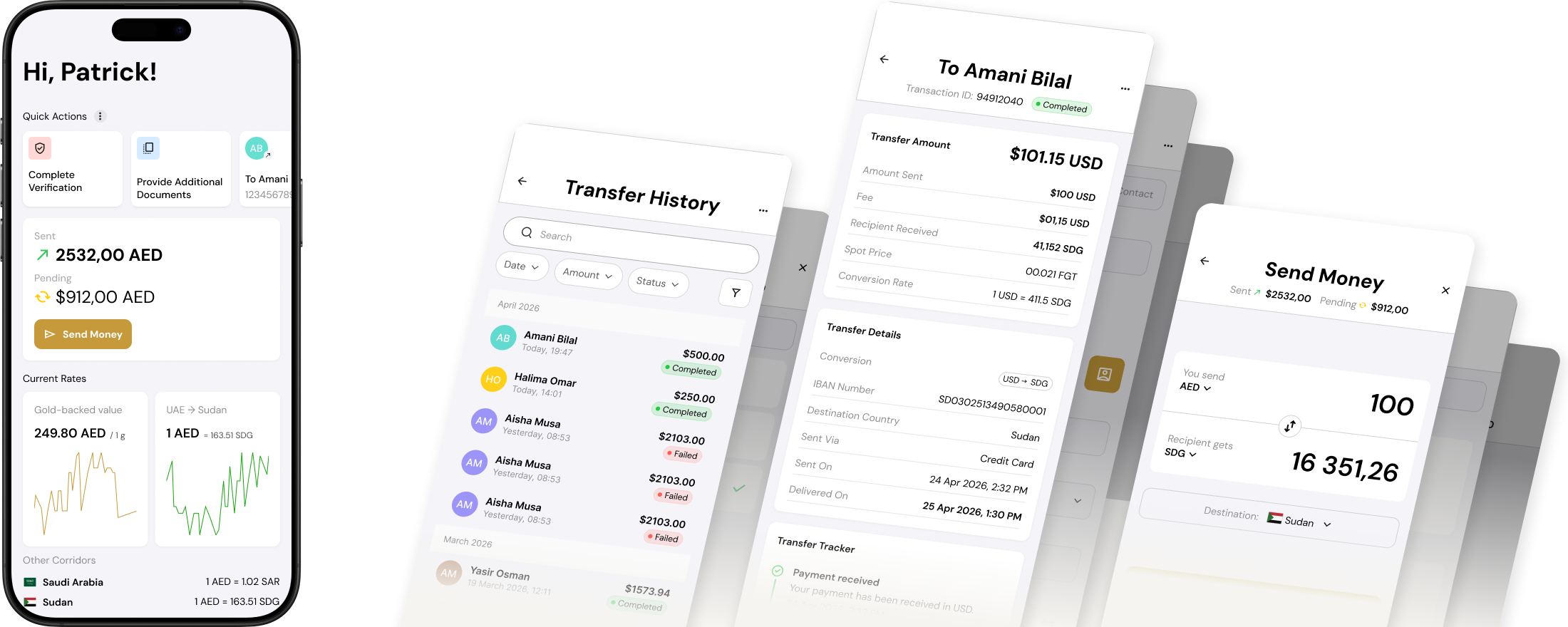
Scope wasn’t mobile-only: a web version and a client portal shipped alongside it, built from the same component system and flow logic.

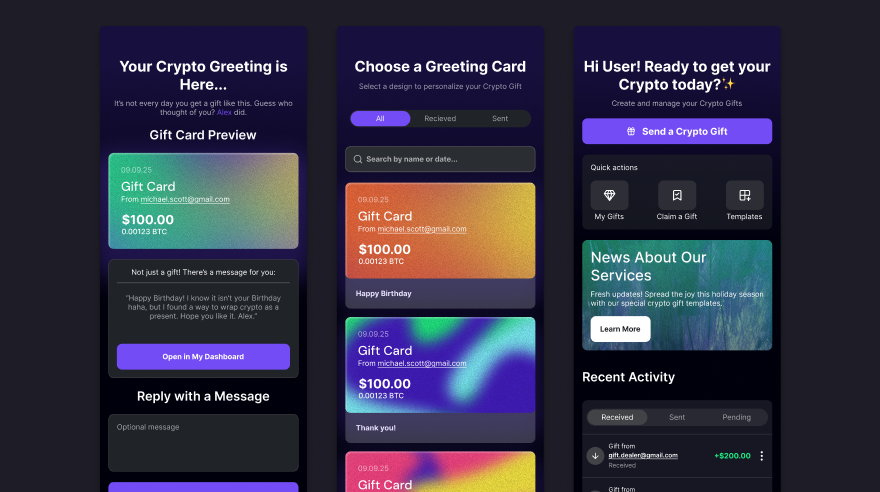
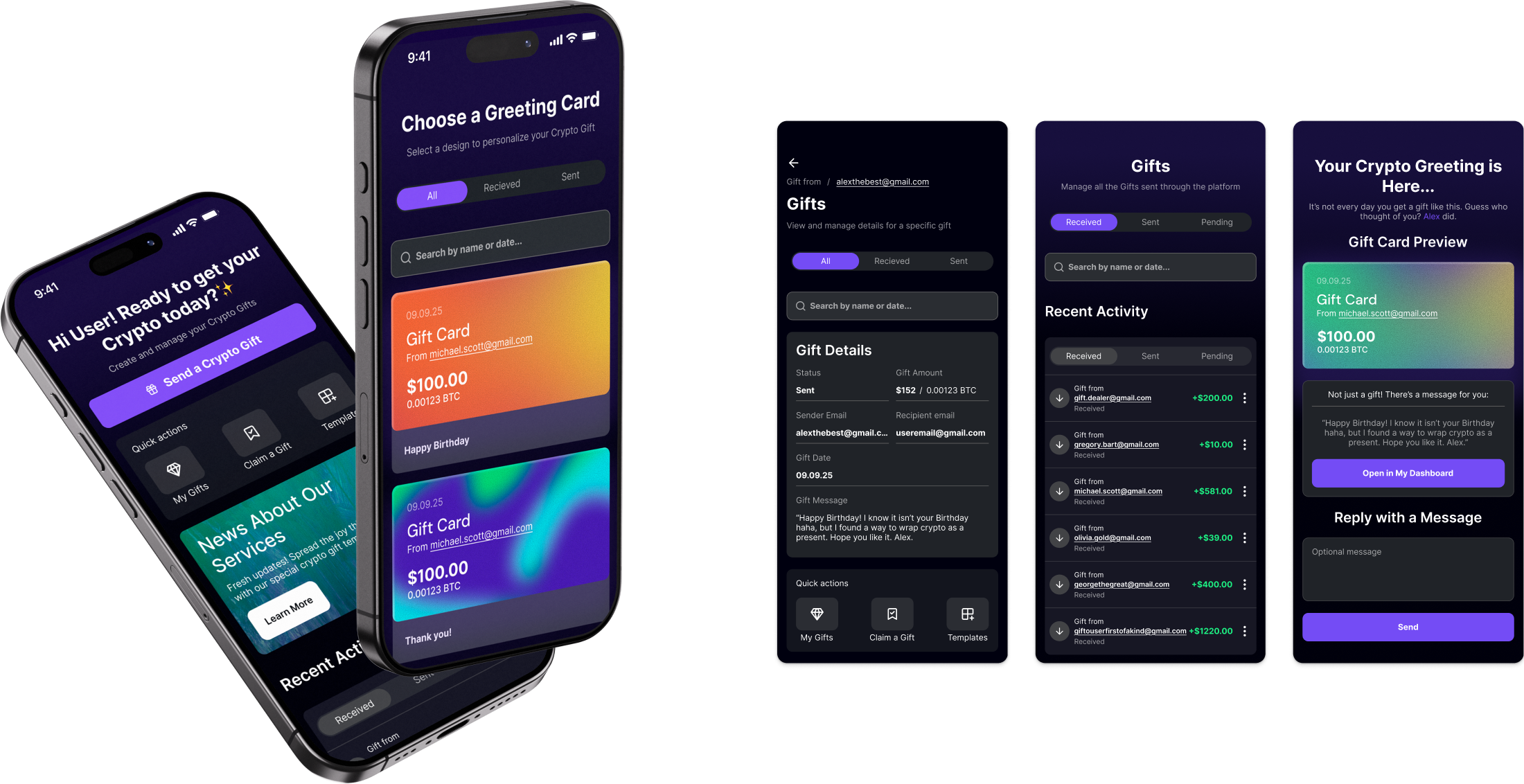
Gift Crypto turns cryptocurrency into physical and digital gift cards. The core design problem – the recipient is not a crypto user. Buying, sending and redeeming a gift had to work without a wallet, a seed phrase or any background knowledge. I designed the MVP from start to finish: the purchase flow for the giver, the redemption flow for the receiver, and the UI/UX system. For me it’s a good example of how much a complicated field can be simplified.
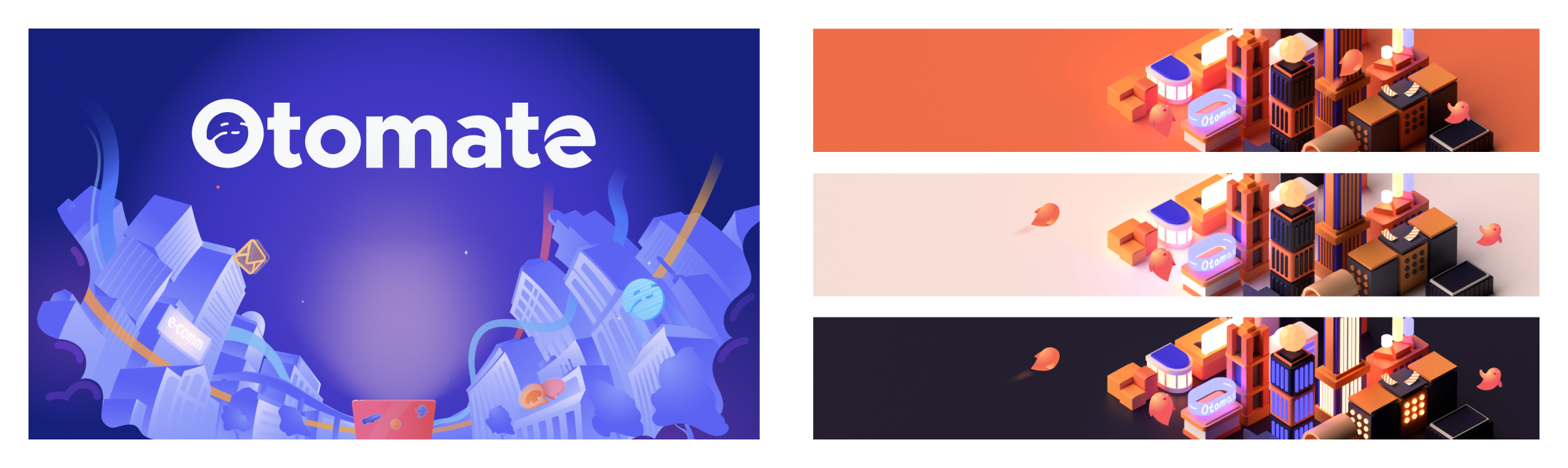
8+ years of identity, print and graphic design for software companies, city-scale art festivals and galleries, plus a classical art education. All of it feeds into my product work.

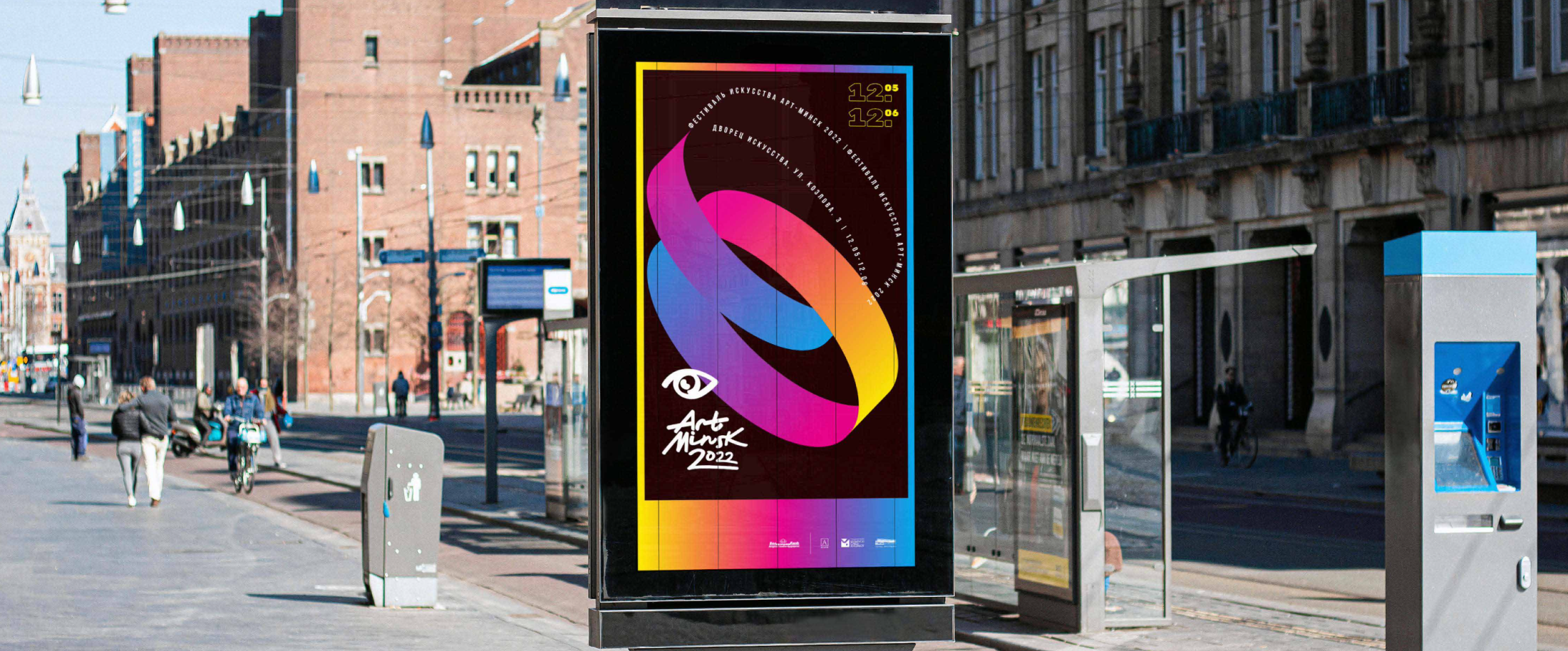
I came to product design and AI prototyping through classical art training and eight-plus years of identity work, and stayed. I’m also a practicing artist: my own projects involve research, public space and large international audiences, so a complex, many-layered brief is home ground for me.
I work at senior-level complexity across these projects: a multi-area B2B construction platform where decisions carry real legal and financial weight, a gold-backed fintech transfer product moving real money, a crypto gift card built for people who’ve never touched crypto. This work, like most of my projects, takes more than technical skill. It takes managerial experience and a people-oriented approach: conversations with an enormous multicultural team, every day. I try to treat every task as something that can be done in its best possible form.
Education: Academy of Fine Arts in Warsaw (New Media Art, with distinction), Belarusian State Academy of Arts, Gymnasium-College of Arts in Minsk. Languages: English (fluent), Polish (fluent), Belarusian & Russian (native), plus a foundation in French, Ukrainian and German.